Thanks for stopping by, for more great DIY tips and tricks check out my new site FrugallyBlonde.com.

Last month my coupons.com page went down for two days. While they were working on getting it fixed I switched over to the standard Coupons.com page. It happened to be on one of those days that there were fantastic coupons on zip code 77477. I tried to switch my zip code and tried and tried (insert picture of me nearly crying here).
I couldn’t believe how hard it was to change the zip code! I was SO happy to get my regular coupons.com page back where it is so much easier to change the zip codes. So if you are having problems on some sites easily changing the zip code check this out.
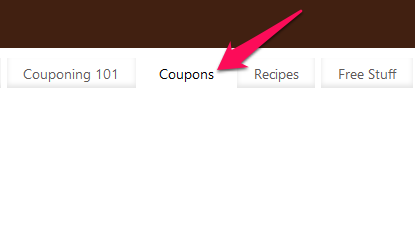 Click on the tab at the top of my web page that says coupons.

It will bring you to the coupons.com page. In the left hand corner you will see where to enter the zip code. Enter the zip code you would like. Click on the enter button. That’s it!
It will change the zip code and the coupons. No signing in necessary, no hitting local coupons again and again. No pulling your hair out, or getting mad. It’s as my niece would say “Easy, Peasy, Lemon Squeezy”
I hope this makes things easier for you to print from different zip codes. I love my coupons.com web page so much better than other coupons.com. I hope you do too.

Thanks for stopping by, for more great DIY tips and tricks check out my new site FrugallyBlonde.com.